

How to Set Up a Website for Your Small Business Using WordPress: A Step-by-Step Guide

In today’s digital age, a professional website is no longer a luxury for small businesses—it’s a necessity. A website acts as your online storefront, helping you connect with potential customers, showcase your products or services, and build trust in your brand. Fortunately, WordPress makes it easy for anyone to create a stunning and functional website, even without any coding knowledge. Whether you’re just starting your business or want to expand your online presence, this step-by-step guide will walk you through setting up a WordPress website tailored to your needs.
1. Define Your Website Goals
Before diving into the setup, it’s essential to understand what you want your website to achieve. Ask yourself:
- Do you want to showcase your products or services?
- Are you planning to blog or share updates?
- Will you need e-commerce functionality to sell products online?
2. Choose Your Domain Name and Hosting
Your domain name is your website’s online address, while hosting makes your website accessible on the internet.
- Pick a Memorable Domain Name: Choose something easy to remember and related to your business. Use tools like Namecheap or GoDaddy to check availability.
- Select a Hosting Provider: Look for reliable hosting providers offering excellent performance and support.
3. Install WordPress
Once your domain and hosting are ready, it’s time to install WordPress. Most hosting providers offer a one-click installation process:
- Log into your hosting account.
- Look for the WordPress installation option (usually in the control panel).
- Follow the steps to install it.
You’ll then be able to access your WordPress dashboard (typically at yourdomain.com/wp-admin).
4. Choose a WordPress Theme
Your WordPress theme controls your website’s appearance and layout. To choose a theme:
- Go to Appearance > Themes in the WordPress dashboard.
- Click on “Add New” and explore free options.
- Install and activate a theme that aligns with your brand.
Popular free themes include:- Astra: Lightweight and customizable.
- Neve: Great for small businesses with modern designs.
- OceanWP: Ideal for visually rich websites.

5. Customize Your Website
Personalize your website to reflect your business’s identity:
- Add your logo, adjust colors, and select fonts.
- Create a homepage that highlights your services or products.
- Use the Appearance > Customize tool to preview changes in real time.
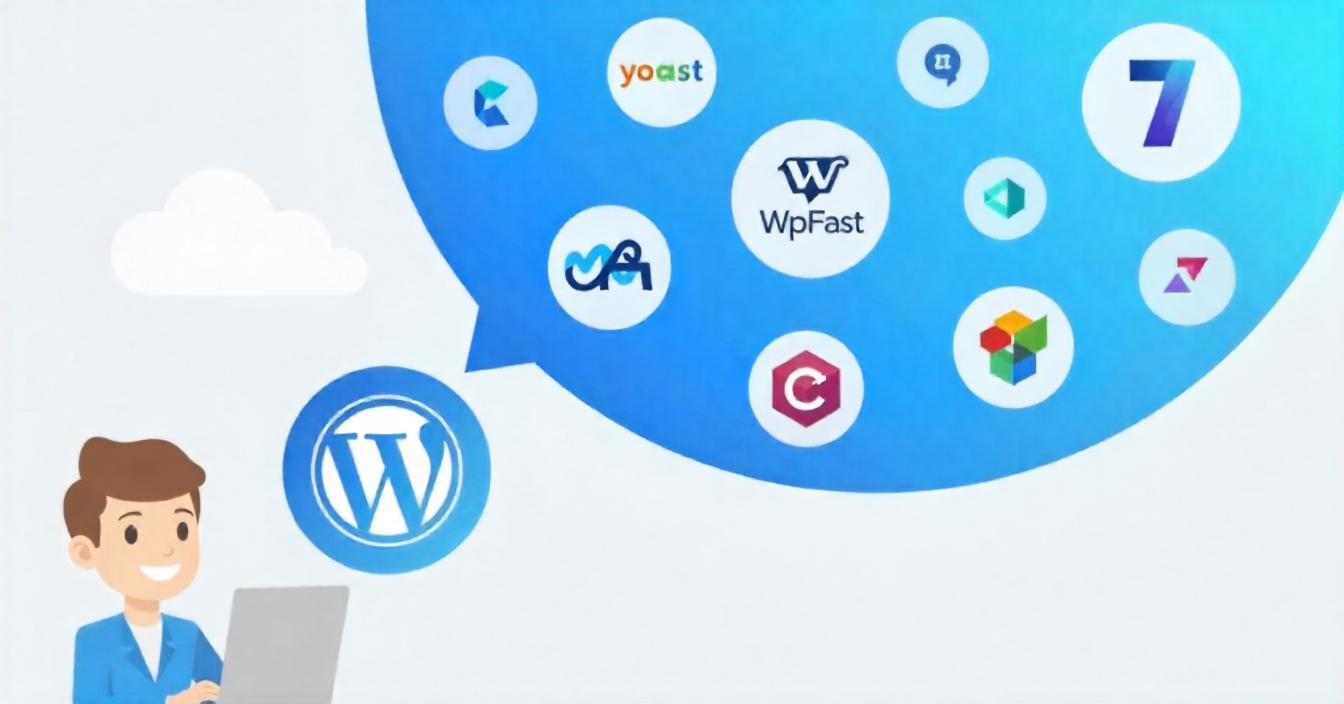
6. Install Essential Plugins
Plugins add functionality to your WordPress site. Some essential plugins for small businesses include:
- Yoast SEO: Optimize your content for search engines.
- WPForms: Create easy-to-use contact forms.
- Elementor: Build beautiful pages with drag-and-drop tools.
- WooCommerce: Set up an online store if needed.
- UpdraftPlus: Automate backups to safeguard your data.
7. Create Core Pages
Add these must-have pages:
- Home: Showcase your business and key offerings.
- About: Share your story and values.
- Services/Products: Detail what you offer.
- Contact: Include a form, phone number, and email address.
8. Optimize for Mobile and SEO
Ensure your site is mobile-friendly and optimized for search engines. Use descriptive content, keywords, and alt text for images to improve visibility.
9. Test, Launch, and Promote
Before going live, ensure your website is ready with these steps:
- Test:
- Check for broken links.
- Ensure pages load quickly.
- Verify mobile responsiveness and compatibility across different devices and browsers.
- Launch:
- Make your site live through your hosting settings.
- Promote:
- Share your website link on social media and email newsletters.
- Update your business cards with the new web address.
- Optimize your Google Business profile to include the website link.

A WordPress website helps small businesses establish a strong online presence. By following these simple steps, you can create a professional site that represents your brand and grows your business. Start your journey today!
For more WordPress tips and resources, visit Technofys.
Let’s create something extraordinary
together
Your Digital Partner
Innovating and executing with purpose, every step of the way